
A website redesign can lift leads and sales, or wipe out years of search traffic if URLs, content and redirects are handled carelessly.
This website redesign checklist walks you through 30 steps in five phases: audit, plan, build, launch and improve.
The biggest risks are missing 301 redirects, deleted content and slower pages; each has a simple fix covered here.
Use the redirect map, launch-day checklist and 90-day review plan to relaunch with confidence.
A new website should bring in more customers, not fewer. Yet many businesses relaunch a beautiful site only to watch search traffic, enquiries and sales fall for months. The design was not the problem. The process was. This website redesign checklist gives you a step-by-step plan to redesign your site while protecting the rankings, content and leads you have already earned.
Whether you run a consultancy in London, a clinic in Toronto, an online shop in Sydney or a startup anywhere in between, the same principles apply. Below you will find 30 practical steps grouped into five phases, plus a redirect template, a launch-day checklist, warning signs that you need a redesign, and answers to the most common questions.
Signs It Is Time for a Website Redesign
Not every website needs a full redesign. Sometimes a content refresh or a few technical fixes are enough. These signs suggest a deeper rebuild is worth it:
Your site is hard to use on a phone.
Mobile now dominates. According to the
Digital 2026 Global Overview from DataReportal
, more than 96% of internet users go online with a mobile phone at least some of the time.
Pages load slowly.
The
found that only 48% of mobile sites and 56% of desktop sites pass all three Core Web Vitals. If yours is in the failing half, visitors notice.
It no longer reflects your business.
New services, a new audience or a rebrand make old messaging confusing.
You cannot update it easily.
If every small change requires a developer, the platform is holding you back.
Leads have dropped.
Traffic may be steady, but if fewer visitors become enquiries, the user experience or messaging needs work.
Security warnings or outdated software.
An old theme or unsupported platform can expose you to attacks.
Redesign vs Refresh: Which Do You Need?
| Situation | Content refresh | Partial redesign | Full redesign |
|---|---|---|---|
| Messaging is outdated, design is fine | ✓ | ||
| Key pages convert poorly | ✓ | ||
| Site is slow or not mobile-friendly | ✓ | ✓ | |
| Platform is outdated or insecure | ✓ | ||
| Rebrand or new business model | ✓ | ||
| Typical timeline | 1–3 weeks | 3–8 weeks | 6–16 weeks |
Phase 1: Audit What You Already Have (Steps 1–7)
The most expensive redesign mistakes happen because nobody recorded what was working before the old site was switched off.
1. Set clear, measurable goals
Write down what the redesign must achieve: more quote requests, more online bookings, higher average order value, fewer support calls. Give each goal a number and a date, such as "increase contact form submissions by 30% within six months of launch."
2. Benchmark your current performance
Export at least 12 months of data before you change anything: visits, top landing pages, conversion rates, leads by source and revenue. Note seasonal patterns so you do not mistake a normal dip for a redesign problem.
3. Crawl and list every URL
Use a site crawler or your sitemap to build a full list of pages, blog posts, images and PDFs. This list becomes the foundation of your redirect map.
4. Identify your highest-value pages
Mark the pages that bring the most search traffic, backlinks, leads or sales. These pages must keep their content quality and receive the most careful redirects.
5. Run a content audit
For every page, decide: keep, update, merge or remove. Thin, duplicate or outdated pages are candidates for merging. Never delete a page with traffic or backlinks without redirecting it.
6. Review technical health
Record current page speed, mobile usability, broken links, crawl errors and security issues. Test key pages with Google PageSpeed Insights so you can prove the new site is faster.
7. Gather user and team feedback
Ask customers what they struggle to find. Ask your sales and support teams which questions they hear most. Their answers shape your new navigation and content.
Phase 2: Plan the New Site (Steps 8–14)
8. Define your audience and their journeys
Map the main types of visitors and what each needs: a first-time visitor comparing options, a returning customer looking for support, a partner checking credibility.
9. Design the information architecture
Create a simple sitemap for the new site. Keep important pages within two or three clicks of the home page, and group services logically.
10. Decide whether URLs will change
The safest redesign keeps existing URLs. If you must change them, for example to clean up structure, plan a one-to-one redirect for every changed URL.
11. Choose the right platform
Pick a platform your team can update easily, that is fast, secure and well supported. Consider whether you want to manage hosting and updates yourself or prefer a fully managed option. You can compare options on our services page.
12. Plan content before design
Write or update copy for key pages first. Design should present your message, not decide it. Prepare headlines, calls to action, testimonials and FAQs early.
13. Plan accessibility from the start
Accessible sites work better for everyone and are increasingly expected by law in many regions. The W3C's Web Content Accessibility Guidelines (WCAG) are the international reference. Build in good colour contrast, keyboard navigation, alt text and clear form labels.
14. Set budget, timeline and owners
Assign one decision-maker, agree on milestones and leave buffer time for content and testing. Most redesign delays come from late content and slow approvals, not development.
Phase 3: Build and Test (Steps 15–21)
15. Build on a private staging site
Develop the new site where search engines cannot index it, usually behind a password. Make sure the "noindex" setting is removed at launch.
16. Create your redirect map
Match every old URL to the most relevant new URL. Google's guide to moving a site with URL changes recommends server-side permanent redirects and notes that 301 redirects do not cause a loss of PageRank.
| Old URL | New URL | Redirect type | Notes |
|---|---|---|---|
| /services/web-design.html | /services/web-design | 301 | Same content, cleaner URL |
| /blog/2019/seo-tips | /blog/seo-tips | 301 | Updated article |
| /old-promo | /offers | 301 | Merged into offers page |
| /team-2018 | /about | 301 | Consolidated team page |
17. Preserve on-page SEO
Carry over or improve page titles, meta descriptions, headings, image alt text and internal links on every important page. Do not strip out content that ranks just to make the design look cleaner.
18. Optimise performance
Compress images, use modern formats such as WebP, limit heavy scripts and third-party widgets, and use caching. Aim for good Core Web Vitals on mobile.
19. Test on real devices and browsers
Check the site on several phones, tablets and desktop browsers. Test menus, forms, buttons and checkout flows.
20. Set up analytics and tracking
Install analytics, define key events such as form submissions and purchases, and confirm they fire correctly on staging. You cannot measure success without them.
21. Secure the new site
Use HTTPS everywhere, strong admin passwords, multi-factor authentication and up-to-date software. Our guide to website security for small business covers the essentials.
Phase 4: Launch Day (Steps 22–26)
22. Choose a quiet time to launch
Launch on a low-traffic day, not during a sale, campaign or busy season. Make sure your developer is available for at least 48 hours afterwards.
23. Back up the old site
Keep a complete copy of the old site and database so you can roll back if something goes seriously wrong.
24. Activate redirects and test them
Switch on your redirects and test a sample of old URLs, especially the high-value pages from Step 4. Fix any that return errors or point to the wrong place.
25. Submit your new sitemap
Submit the new XML sitemap in Google Search Console and Bing Webmaster Tools, and check that robots.txt is not blocking important pages.
26. Run a launch-day checklist
Forms send to the right inbox
Payment and checkout work end to end
Analytics and key events are recording
No staging "noindex" tags remain
HTTPS works on every page with no mixed-content warnings
Contact details, phone links and maps are correct
404 page is helpful and links to key sections
Phase 5: Monitor and Improve (Steps 27–30)
27. Watch Search Console daily for two weeks
Look for spikes in 404 errors, crawl problems or pages dropping out of the index. Google advises keeping redirects in place for at least 180 days, and longer if old URLs still receive traffic.
28. Compare against your benchmark
Expect some short-term fluctuation. Compare traffic, rankings and conversions against your Step 2 benchmark at 30, 60 and 90 days.
29. Gather feedback and fix friction
Use session recordings, heatmaps and customer feedback to find confusing pages or forms. Fix the biggest problems first.
30. Keep improving with testing
A redesign is a starting point. Test headlines, calls to action and page layouts over time. Our guide to conversion rate optimization for small business explains how.
Who Should Be on Your Redesign Team?
Even small businesses need clear roles. One person can wear several hats, but every responsibility should have an owner.
| Role | Responsibility | Who it might be in a small business |
|---|---|---|
| Project owner | Final decisions, budget, timeline | Business owner or general manager |
| Content lead | Copy, images, testimonials, FAQs | Marketing person or owner, with a copywriter |
| Designer | Layout, branding, user experience | Agency, freelancer or website partner |
| Developer | Build, integrations, redirects, performance | Agency, freelancer or website partner |
| SEO lead | Keyword mapping, redirects, on-page SEO | Developer or SEO specialist |
| Testers | Check pages, forms and devices before launch | Staff members and a few loyal customers |
The most common delay is waiting for content and approvals, so agree on deadlines for each role at the start.
Content Migration Tips
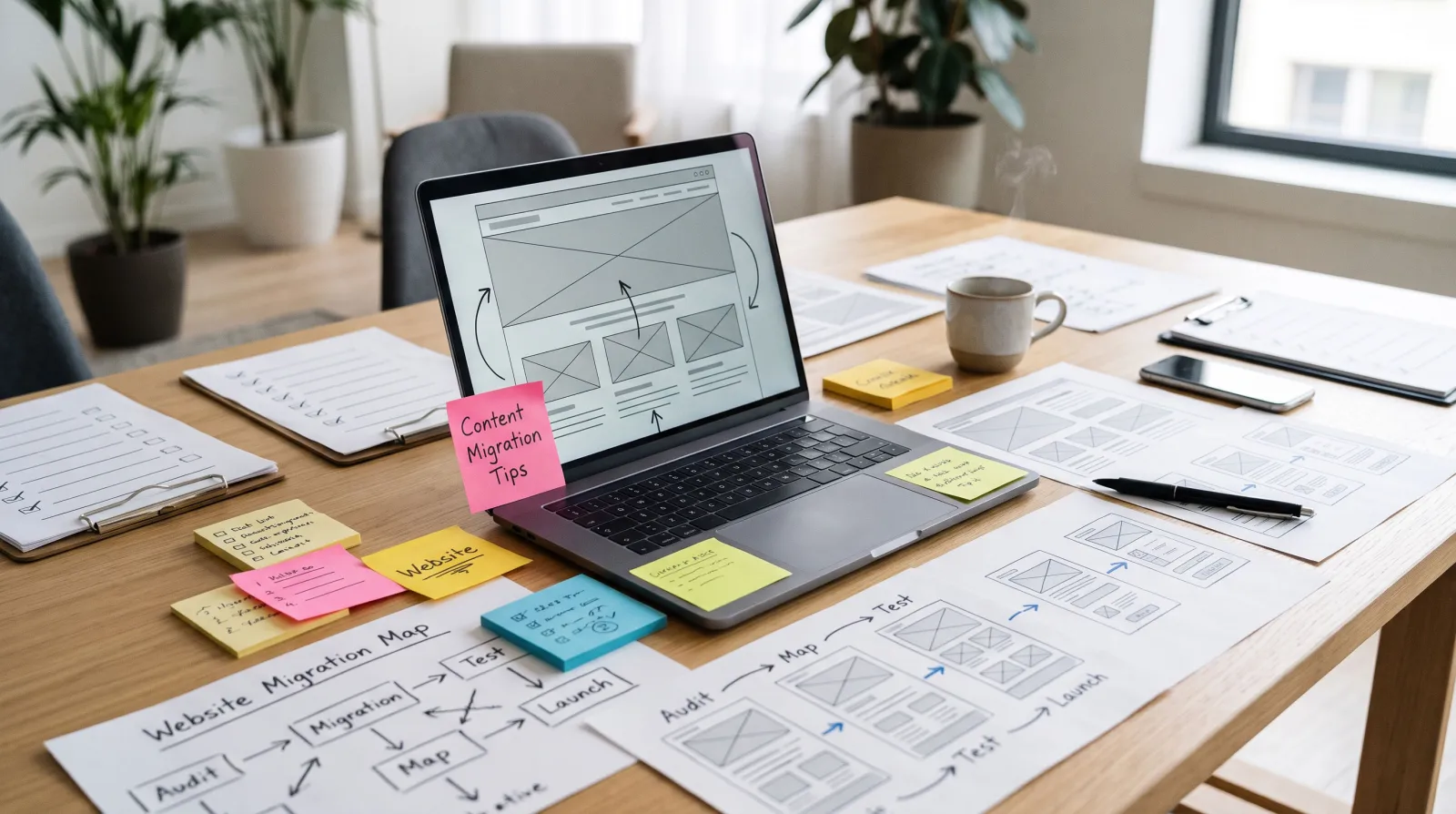
Moving content from the old site to the new one is where many redesigns quietly lose value. Keep these rules in mind:
Move content, then improve it.
Keep the substance of pages that rank well, then update facts, examples and calls to action.
Keep the same primary keyword per page.
If a page ranks for "commercial cleaning services," the new version should still target that phrase.
Merge thin pages carefully.
When combining several short pages, redirect each old URL to the new combined page.
Rename images sensibly.
Use descriptive file names and alt text, and compress images before uploading.
Check internal links.
Update links inside your content so they point directly to new URLs instead of relying on redirects.
Keep your best proof.
Testimonials, case studies, certifications and awards often get lost in redesigns. Move them to prominent places.
If you would rather not manage the migration yourself, a managed website service can handle content, redirects and launch for you. See what a professionally managed redesign could look like before deciding.
Redesigning for AI Search and Answer Engines
More people now get answers from AI assistants and AI summaries at the top of search results. A redesign is the perfect moment to make your content easy for these systems to understand. Use clear headings that match the questions customers ask, add concise answers near the top of key pages, keep business details consistent across your site, and add structured data where it fits. Our guide to AI search optimization explains these steps in more detail.
The 7 Most Common Website Redesign Mistakes
Skipping redirects.
The fastest way to lose rankings is letting old URLs return 404 errors.
Deleting content that ranks.
Shorter pages may look cleaner but can lose the keywords that brought visitors.
Launching with "noindex" still on.
One leftover setting can hide your whole site from search engines.
Designing before writing.
Beautiful layouts with weak messaging rarely convert.
Adding heavy features that slow the site.
Large sliders, auto-play videos and many plugins hurt speed.
No tracking at launch.
Without analytics, you cannot prove the redesign worked.
Treating launch as the finish line.
The best results come from the improvements made after launch.
How Much Does a Website Redesign Cost?
Costs vary widely by country, provider and scope. As a rough international guide in USD:
| Redesign scope | Typical one-time cost (estimate) | Typical timeline |
|---|---|---|
| Template-based refresh of a small site | $1,000 – $5,000 | 2–4 weeks |
| Custom small business redesign (10–25 pages) | $5,000 – $25,000 | 6–12 weeks |
| E-commerce redesign | $15,000 – $75,000+ | 8–20 weeks |
| Large custom site or web app | $50,000 – $250,000+ | 3–9 months |
| Managed website subscription | Low or no upfront cost, flat monthly fee | Often 1–3 weeks |
Remember to budget for hosting, maintenance, security, content and ongoing improvements, not just the build. If a large upfront payment is a barrier, a subscription model spreads the cost. See how our plans work on the pricing page.
Website Redesign Timeline at a Glance
| Phase | Typical duration | Key output |
|---|---|---|
| Audit | 1–2 weeks | Benchmark report, URL list, content audit |
| Plan | 1–3 weeks | Sitemap, content plan, platform choice |
| Build and test | 3–8 weeks | Staging site, redirect map, test results |
| Launch | 1–2 days | Live site, redirects active, sitemap submitted |
| Monitor and improve | Ongoing, with reviews at 30/60/90 days | Performance report and improvement backlog |
Redesign With Less Risk
Southside Devs designs, builds and maintains professional websites on a flat monthly subscription, with hosting, SSL and maintenance included and no long contracts. We handle the technical details, from redirects and speed to security, so you can focus on your business. If you want to see what your new site could look like before committing, request a free design preview. You can also learn more about our team.
Key Takeaways
A website redesign checklist protects the traffic, rankings and leads your current site has earned.
Audit and benchmark everything before you change anything.
Map every changed URL to a relevant new page with a 301 redirect, and keep redirects for at least 180 days.
Plan content, accessibility and performance before design details.
Launch at a quiet time, test thoroughly, and review results at 30, 60 and 90 days.
Frequently Asked Questions
How often should you redesign a website?
Most businesses benefit from a significant redesign every three to five years, with smaller content and design updates in between. Redesign sooner if your site is slow, hard to use on mobile or no longer matches your business.
Will a website redesign hurt my SEO?
It can, if URLs change without redirects, content is removed or pages become slower. Following a structured checklist with a redirect map, preserved on-page SEO and post-launch monitoring keeps the risk low.
How long does a website redesign take?
A small business redesign typically takes six to twelve weeks. Simple refreshes can take a few weeks, while large custom or e-commerce projects can take several months.
What should be included in a website redesign plan?
Goals and benchmarks, a content audit, a new sitemap, a platform decision, a redirect map, a testing plan, a launch checklist and a post-launch review schedule.
Should I keep the same URLs when redesigning?
Yes, whenever possible. Keeping URLs is the safest option. If URLs must change, redirect each old URL to the most relevant new page with a permanent 301 redirect.
Ready to Redesign Without the Headaches?
Get a modern, fast and secure website designed, hosted and maintained for one flat monthly fee, with no large upfront cost and no long contract. Hosting, SSL and maintenance are included. Get your free design preview from Southside Devs.
Conclusion
A successful redesign is less about a new look and more about a careful process. This website redesign checklist helps you audit what works, plan a clearer site, protect your SEO with redirects, launch safely and keep improving. Follow the 30 steps and your new site should be faster, easier to use and better at turning visitors into customers.
If you would rather have experts handle the heavy lifting, start your redesign with Southside Devs and see your new website before you commit.