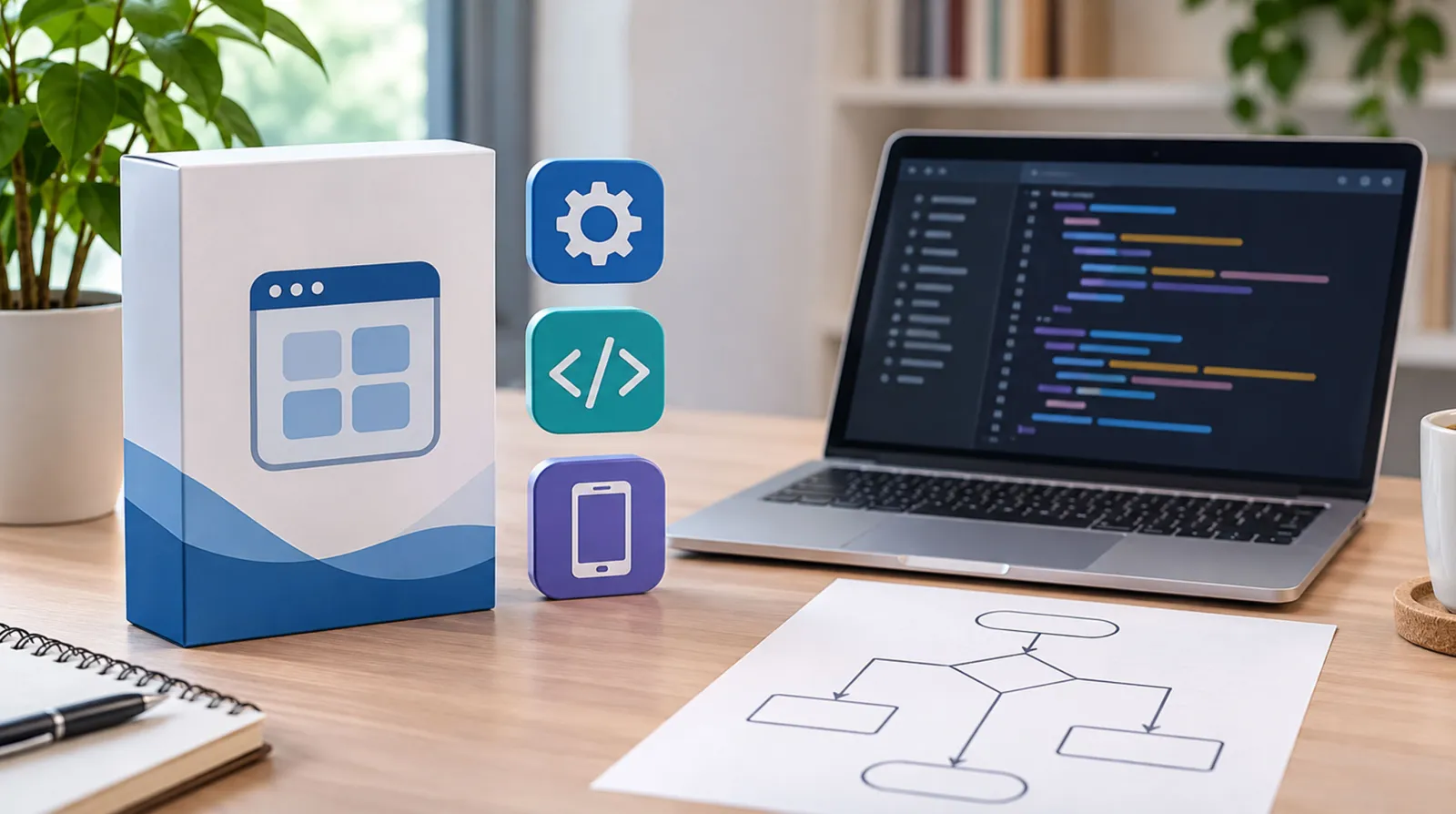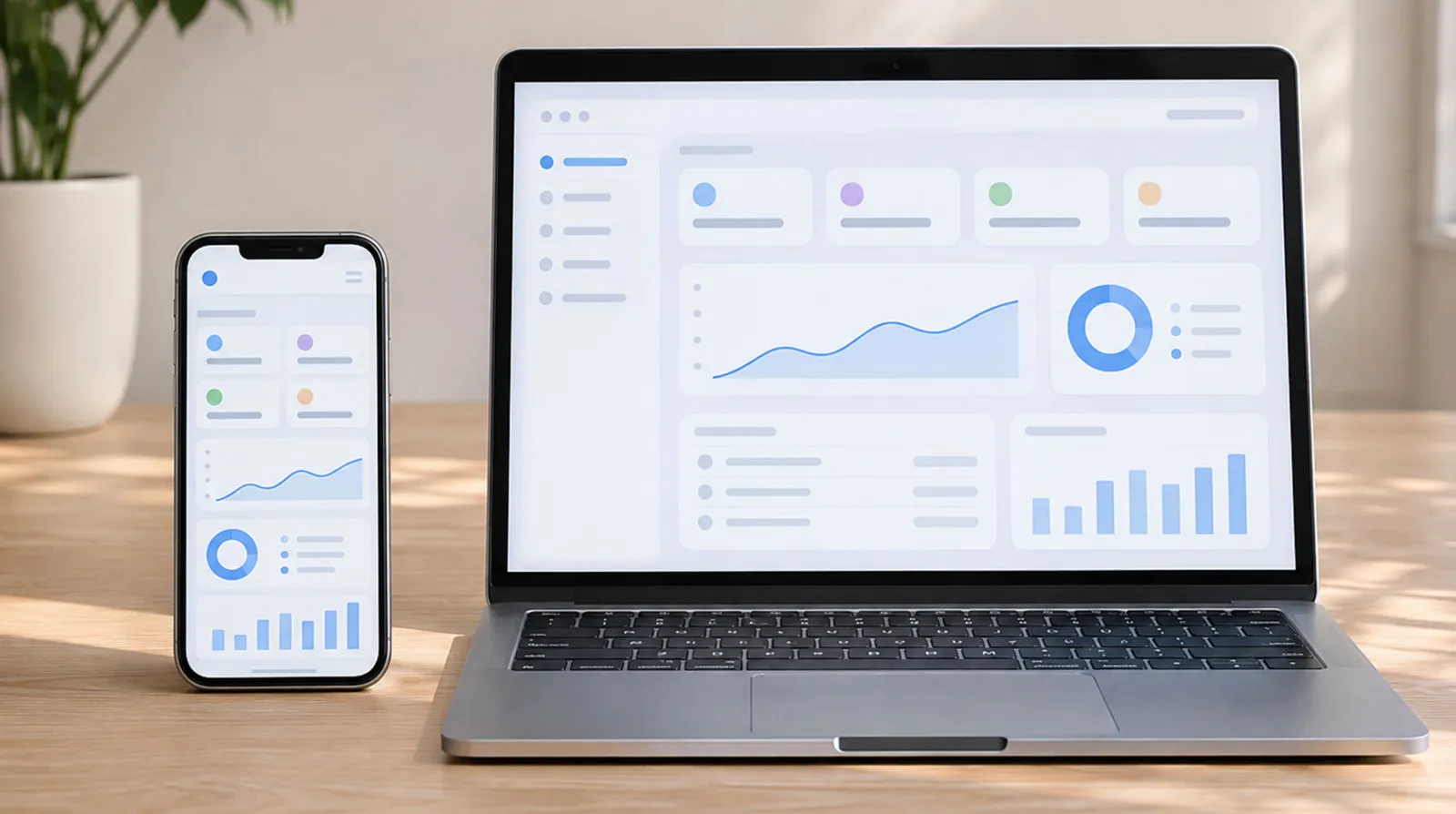
A web app runs in the browser on any device, while a mobile app is installed from an app store and can use more phone features.
Web apps are usually faster and cheaper to launch and maintain; native mobile apps offer the best performance, offline use and deep device access.
Progressive web apps (PWAs) and cross-platform apps sit in between and are often the best value for small businesses and startups.
Use the comparison tables, cost guide and decision checklist in this article to choose the right option.
You have a great idea for a customer portal, booking tool, loyalty program or new product. The next question comes fast: should you build a mobile app or a web app? The mobile app vs web app decision affects your budget, launch date, marketing, maintenance and the experience your users get, so it is worth getting right.
This guide explains the difference in plain business language, compares native, hybrid, progressive web and traditional web apps side by side, sets out realistic international costs, and gives you a simple decision framework. It is written for small and growing businesses and startups in any country.
What Is a Mobile App?
A mobile app is software installed on a smartphone or tablet, usually downloaded from the Apple App Store or Google Play. There are two main types:
Native apps
are built specifically for one operating system, such as Swift for iOS or Kotlin for Android. They offer the best performance and full access to device features.
Cross-platform (hybrid) apps
are built once with frameworks such as Flutter or React Native and then released on both iOS and Android. They cost less than two separate native apps while still feeling close to native.
What Is a Web App?
A web app is software that runs in a web browser. Users visit a URL instead of downloading anything. Examples include online booking systems, customer portals, project management tools and online banking dashboards. Web apps work on phones, tablets and computers from a single codebase.
What Is a Progressive Web App (PWA)?
A progressive web app is a web app that behaves more like a mobile app. According to MDN's progressive web apps documentation, a PWA is built with web platform technologies but provides a user experience like that of a platform-specific app. PWAs can be installed on the home screen, work offline for some features and, on supported platforms, send push notifications, all without an app store.
Mobile App vs Web App: Key Differences
| Factor | Native mobile app | Cross-platform app | Progressive web app | Standard web app |
|---|---|---|---|---|
| How users get it | App store download | App store download | Browser, optional install | Browser |
| Devices | One platform per build | iOS and Android | Any device with a modern browser | Any device with a browser |
| Performance | Best | Very good | Good | Good |
| Offline use | Full | Full | Partial | Limited |
| Device features (camera, GPS, sensors, Bluetooth) | Full access | Most | Growing but limited | Limited |
| Push notifications | Yes | Yes | Yes, on most platforms | No |
| Development cost | Highest | Medium to high | Low to medium | Lowest |
| Time to launch | Longest | Medium | Short | Shortest |
| Updates | Through app stores | Through app stores | Instant | Instant |
| Discoverability | App store search | App store search | Search engines | Search engines |
| Store fees | Yes | Yes | No | No |
The Business Case for Web Apps
Faster launch and lower cost
One codebase serves every device. You can launch, learn from real users and improve without waiting for app store approvals.
Found through search engines
Web apps and their content can be indexed by Google and other search engines, so users find you through search, links and ads. With more than 6 billion people online, according to DataReportal's Digital 2026 report, being one click away is a real advantage.
No download barrier
Many people will not install an app for a business they use occasionally. A web app removes that friction: share a link and they are in.
Instant updates
When you fix a bug or add a feature, every user gets it immediately. No one is stuck on an old version.
Easier to maintain
One codebase, one deployment process and one set of tests usually means lower long-term costs.
The Business Case for Mobile Apps
Best performance and smoothness
Native apps feel fast and fluid, which matters for apps used many times a day, such as messaging, fitness, banking or delivery apps.
Deep device integration
If your product relies on the camera, GPS tracking in the background, Bluetooth devices, health data, biometrics or advanced offline features, a native or cross-platform app is often necessary.
Engagement and retention
An icon on the home screen and push notifications keep your brand in front of users. Loyalty programs, bookings and repeat-purchase businesses can benefit.
App store presence
Being listed in the app stores adds credibility and another discovery channel, especially in categories where people search the stores directly.
Hidden Costs and Rules of App Stores
Publishing a mobile app comes with ongoing requirements:
Developer accounts.
Apple's Developer Program costs
, and Google Play requires a
one-time 25 USD registration fee
.
Commissions.
App stores take a share of many digital sales and subscriptions sold inside apps, commonly 15% to 30% depending on the program and transaction type.
Review and approval.
Every release must pass store review, which can delay urgent fixes.
Operating system updates.
New iOS and Android versions each year can require app updates.
Two platforms to test.
Even cross-platform apps need testing on many devices.
How Much Does Each Option Cost?
Costs vary widely by country, complexity and team. These are rough international ranges in USD for a small to mid-sized business project:
| Build type | Typical initial cost (estimate) | Typical timeline | Yearly maintenance (estimate) |
|---|---|---|---|
| Simple web app (portal, booking, dashboard) | $10,000 – $50,000 | 6–12 weeks | 15–20% of build cost |
| Progressive web app | $15,000 – $70,000 | 8–14 weeks | 15–20% of build cost |
| Cross-platform mobile app | $30,000 – $120,000 | 3–6 months | 15–25% of build cost |
| Native apps for iOS and Android | $60,000 – $250,000+ | 4–9 months | 20–25% of build cost |
| Web app plus later mobile app | Spread over phases | Launch in weeks, app later | Grows with each phase |
Maintenance covers hosting, security updates, bug fixes, operating system changes and small improvements. Do not leave it out of your budget.
Which Should You Choose? A Decision Framework
Answer these questions honestly:
How often will customers use it?
Daily or weekly use favours a mobile app. Occasional use favours a web app.
Do you need device features?
Background location, Bluetooth, advanced camera features or heavy offline use point toward native or cross-platform.
How important is search traffic?
If customers will find you through Google, a web app or PWA is stronger.
What is your budget and timeline?
Limited budget or urgent launch favours a web app or PWA first.
Do you need to validate the idea?
Start with a web app to prove demand, then invest in mobile apps once you know what users want.
Will you sell digital goods inside the app?
Factor app store commissions into your pricing.
Quick recommendations by scenario
| Scenario | Recommended approach |
|---|---|
| Startup testing a new idea | Web app or PWA (minimum viable product) |
| Service business with online booking | Web app or PWA linked from your website |
| Retail loyalty program with frequent use | Cross-platform mobile app, plus web access |
| Field service team tracking jobs offline | Cross-platform or native app |
| Internal staff tools and dashboards | Web app |
| Consumer product with heavy daily use and device features | Native or cross-platform app |
| Content or marketplace business relying on search | Web app first, app later |
A Smart Path for Most Small Businesses: Web First, App Later
For many small and growing businesses, the lowest-risk route is:
Launch a fast, mobile-friendly website
that explains your offer and captures leads.
Build a web app or PWA
for the core functionality customers need, such as bookings, accounts or ordering.
Measure usage.
If customers use it often and ask for app-only features, invest in a cross-platform mobile app.
Reuse your back end.
A well-designed API lets your web and mobile apps share the same data and logic, saving time and money.
This approach gets you to market quickly, keeps costs under control and lets real user behaviour guide bigger investments.
Real-World Examples
Looking at how different businesses solve the same problem helps clarify the choice:
A physiotherapy clinic
wanted online booking and appointment reminders. Patients book a few times a year, so a mobile-friendly web booking system linked from the website, with email and SMS reminders, did the job without asking anyone to download an app.
A coffee chain with a loyalty program
found that regular customers visit several times a week. A cross-platform mobile app with a digital stamp card and push notifications for offers increased repeat visits.
A field maintenance company
needed technicians to log jobs, take photos and capture signatures in basements with no signal. A cross-platform app with offline storage that syncs later was essential.
A B2B wholesaler
built a web portal where trade customers check stock, reorder and download invoices from their office computers. A web app was the natural fit.
A startup testing a new marketplace idea
launched a progressive web app in eight weeks, gathered real users and feedback, then raised funding to build native apps for its most active users.
Questions to Ask Before You Hire an App Developer

Do you recommend a web app, PWA, cross-platform or native app for my use case, and why?
Which features will be in the first version, and which can wait?
How will the app connect to my website and existing tools?
Who owns the code, data and app store accounts?
What will maintenance cost each year, including operating system updates?
How will you handle security, testing and privacy compliance?
Can you show similar projects and introduce me to past clients?
A good developer will challenge your assumptions and may suggest starting smaller. That is usually a good sign. If you want to start with a strong web foundation while you plan, request a free design preview for a fast, mobile-friendly site.
Security and Data Considerations
Whichever path you choose, protect user data from day one. Use HTTPS, secure authentication, encrypted storage for sensitive data, regular updates and careful handling of personal information under the privacy laws that apply in your region. Our guide to website security for small business covers the essentials for the web side.
Accessibility Matters on Every Platform
Whatever you build, make it usable for people with disabilities. That means readable text sizes, good colour contrast, support for screen readers, clear labels on buttons and forms, and touch targets large enough to tap easily. Accessibility is increasingly a legal requirement in many regions, and it improves the experience for every user, including older customers and people using their phones in bright sunlight or on the move.
Should You Build Custom or Use Existing Software?
Before building anything, check whether an existing tool already solves the problem well enough. Off-the-shelf booking, e-commerce or loyalty platforms can be faster and cheaper for standard needs. Custom web or mobile apps make sense when your process is unique or gives you a competitive edge. We compare both approaches in detail in our guide to custom software vs off-the-shelf.
Common Mistakes When Choosing Between a Mobile App and a Web App
Building an app because competitors have one.
Copying a competitor does not mean your customers need an app.
Skipping user research.
Talk to customers about how and where they would use the product.
Underestimating maintenance.
Apps need ongoing updates, especially after operating system releases.
Ignoring marketing.
An app nobody downloads is wasted money. Plan how users will find it.
Building every feature at once.
Launch a focused first version and add features based on real usage.
How Southside Devs Can Help
Southside Devs builds professional websites on a flat monthly subscription and also develops web applications, mobile apps and API integrations for businesses that are ready to grow. We can help you choose the right approach, start with a fast website or web app, and add a mobile app when the numbers justify it. Explore our services or contact our team to talk through your idea. To see how automation could fit into your app, read our guide to AI agents vs automation.
Not sure where to start? The quickest first step is a professional website that captures interest while you plan the bigger build. Get your free design preview.
Key Takeaways
The mobile app vs web app choice depends on how often people use your product, which device features you need, your budget and how users will find you.
Web apps launch faster, cost less, update instantly and are found through search engines.
Mobile apps offer the best performance, offline use, device features and push notifications, but cost more and involve app store rules and fees.
Progressive web apps and cross-platform apps are strong middle-ground options.
For most small businesses, a web-first approach with a shared back end is the lowest-risk path.
Frequently Asked Questions
What is the main difference between a mobile app and a web app?
A mobile app is installed on a device from an app store and can use more of the phone's features. A web app runs in a browser, works on any device, and does not need to be downloaded.
Is a web app cheaper than a mobile app?
Usually, yes. A web app uses one codebase for all devices and avoids app store fees and approvals, so it is typically faster and cheaper to build and maintain.
Can a web app work offline?
A standard web app has limited offline capability. A progressive web app can cache content and work offline for some features, but native apps still offer the most complete offline experience.
Should a startup build a mobile app or a web app first?
Most startups benefit from building a web app or PWA first to validate demand quickly and cheaply, then adding mobile apps once they have proven users and clear requirements.
Can I turn my web app into a mobile app later?
Yes. If your web app is built on a well-structured back end and API, a mobile app can reuse the same data and business logic, which reduces the cost of adding it later.
Start With a Foundation That Grows With You
Southside Devs builds professional websites for one flat monthly fee, with no large upfront cost, no long contracts, and hosting, SSL and maintenance included, plus web and mobile app development when you are ready. Request your free design preview.
Conclusion
There is no single winner in the mobile app vs web app debate. Web apps are faster, cheaper and easier to find; mobile apps deliver the richest experience for frequent users who need device features. PWAs and cross-platform apps bridge the gap. Match the choice to your users, your budget and your stage of growth, and remember that you can start simple and expand.
If you want a strong digital foundation to build from, get started with Southside Devs and launch a fast, professional web presence before investing in your app.